
Aviator
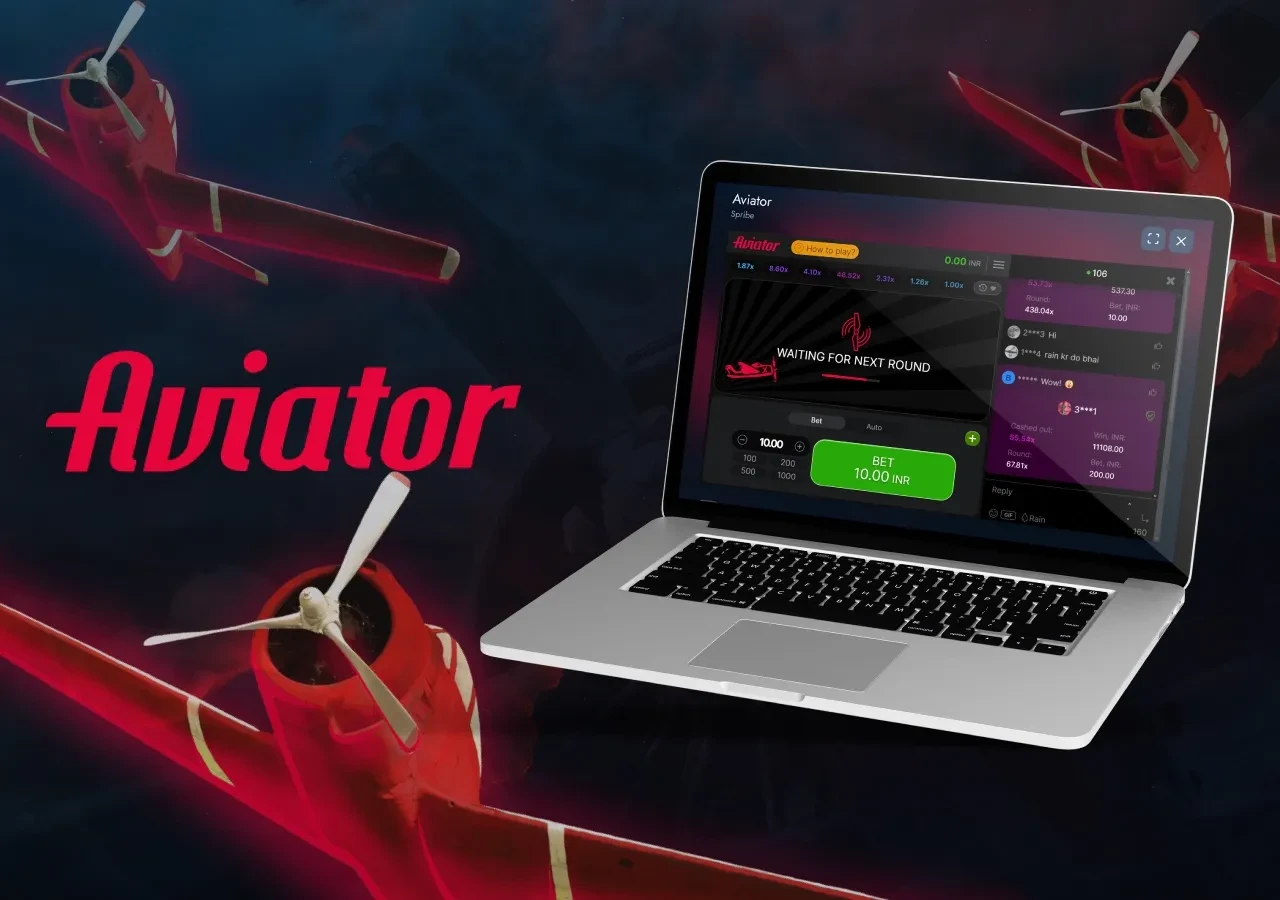
About this game
People search for an aviator game download play store listing, find nothing convincing, and conclude something is wrong. Nothing is. Google's policy on real-money gaming apps only permits them in a specific list of countries, under licensing and an application process most operators do not pursue. The absence is a distribution decision, not a verdict on the game.
What the policy actually restricts
Play allows real-money gaming apps only where Google has opted the country in and the developer has been approved for that market. In most of the world neither condition is met, so the app is distributed directly instead. You will still find things in the store using the Aviator name — those are usually free-to-play imitations with no cash element, which is precisely why they are allowed to be there.
What you lose without the store
- Automatic updates — the app prompts you instead, which is arguably better but is a change.
- Store review — nobody screened the package before it reached you.
- One-tap uninstall telemetry and the store's own refund flow.
What you keep
Play Protect still scans sideloaded packages, so leave it switched on — it is the single most useful safety net for a direct install. Android still enforces signature checking, which means an update signed by a different key cannot silently replace a legitimate install. And the app itself refuses to launch on a mismatched signature.
A clean direct install, step by step
Download from one source you can identify. When Android asks, grant install permission to that browser only, and revoke it again immediately afterwards. Before confirming, read the permission list: network access and temporary storage is the whole legitimate set. Check the size is around 27 MB. If any of that does not match, cancel — a wrong install is far more expensive than a repeated download.
The one rule that matters most
Never install an apk that arrived in a chat message. Every large-scale compromise in this category has run through forwarded files in messaging groups, usually alongside an offer of predictions or a bonus build.
18+ only. Aviator involves real-money wagering where that applies. Decide your limit before the first round, treat what you lose as the price of the entertainment, and stop when it stops being fun.
Data safety details vary by device, region, and build.
An app distributed outside a store does not get the store's automated scanning, so the checks that Play would have run become yours to run. The list below is what this build does and does not do, stated so you can compare it against whatever you are offered elsewhere.
Requested permissions: network access, plus storage while an update is written.
Collected: account identifier, crash diagnostics, round history.
Not collected: contacts, SMS, call logs, photos, precise location.
Play Protect: leave it on. It still scans sideloaded packages and will flag a tampered one.
Signature: the package is signed and will not launch if the signature has changed.
Controls: revoke permissions in Android settings at any time.


Ratings and reviews

- Report as inappropriate

- Report as inappropriate

- Report as inappropriate